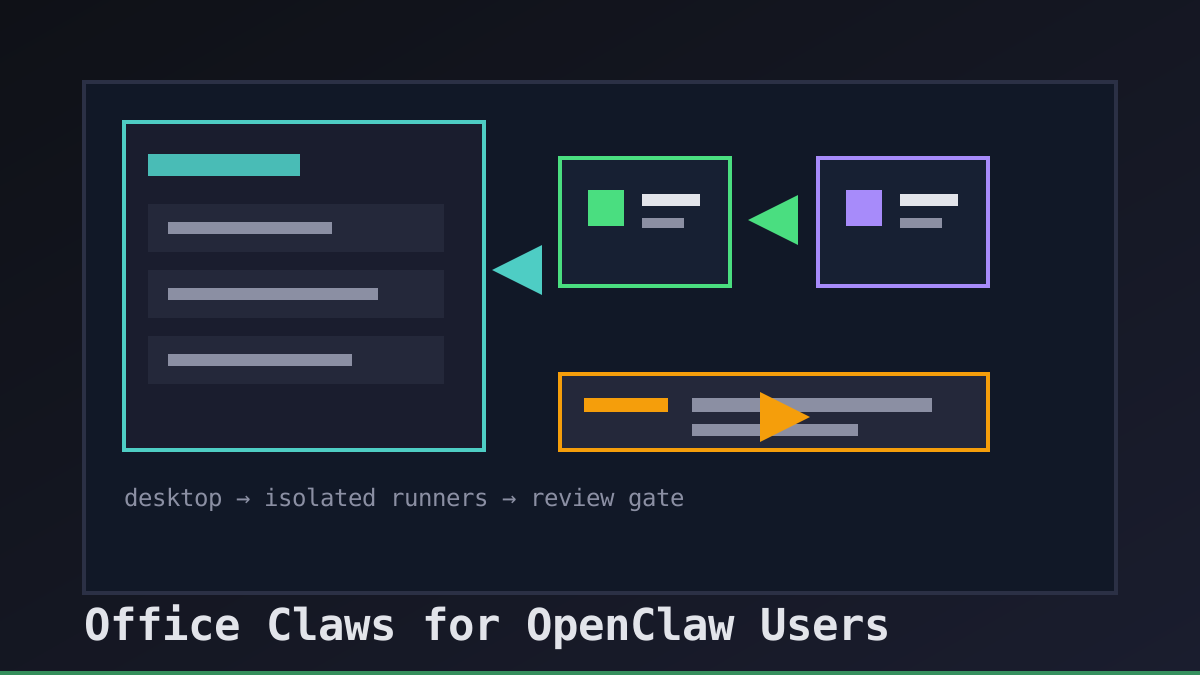
Why OpenClaw Users Need an Operations Layer
OpenClaw-style workflows make autonomous coding feel close to a normal development loop: describe the task, let an agent work, inspect the branch, and ship only when the evidence is good. The fragile part is everything around the agent. Where does the runner live? Which secrets can it see? Who owns the branch? How do we stop a stuck task before it burns time and tokens?
Office Claws for OpenClaw users is our answer to that operating layer. We do not present Office Claws as a native OpenClaw runtime. We use it as a desktop and VPS manager for OpenClaw-adjacent teams that want local control, visible logs, isolated runners, and Codex-backed execution when Codex is the practical path. If you are still comparing runtimes, start with OpenClaw vs Codex, then use this guide to design the control plane around the work.
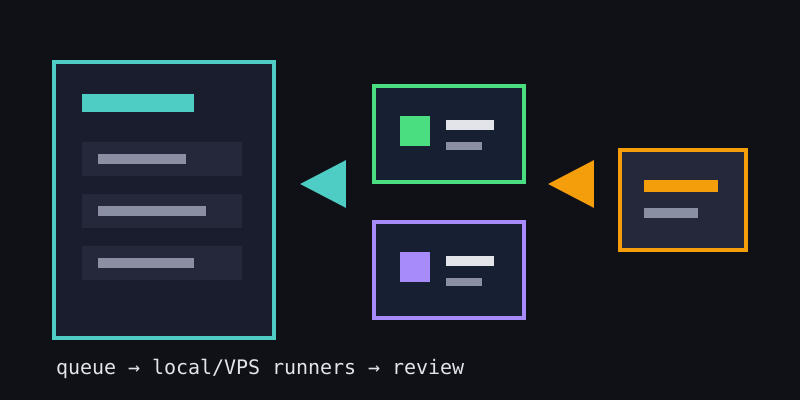
What Office Claws Adds Around the Agent
The useful product boundary is simple: agents write code; Office Claws helps operators run them safely. That means queueing work, picking local or VPS runners, keeping logs visible, and making the handoff back to GitHub boring enough to trust.
| Need from an OpenClaw workflow | Office Claws operating pattern | Why it matters |
|---|---|---|
| One task at a time | Queue each request with an owner and branch | Review stays understandable |
| Remote execution | Use a DigitalOcean VPS or local runner | Heavy tasks do not block the laptop |
| Safer credentials | Keep provider keys and release secrets scoped | A runner compromise has less blast radius |
| Cost control | Prefer explicit tasks, visible logs, and stop points | Token and VPS spend stays explainable |
| Human review | Require branch, summary, and build output | The merge button remains accountable |
This is why we link the workflow to the OpenClaw desktop manager and OpenClaw on VPS guides. The runtime can vary, but the operational contract should not.
A Safe Default Setup
For most OpenClaw users, the safest first setup is not complicated. Keep Office Claws on the desktop, connect a small VPS runner through Tailscale or SSH, and make every task produce a branch plus validation output before anyone merges it.
agent_task:
  owner: engineering-oncall
  branch: agent/fix-settings-panel
  runner: vps-small-01
  allowed_paths:
    - website/src/**
    - website/content/**
  gates:
    - npm run build
    - pull_request_required
The manifest is deliberately narrow. It gives a coding agent room to work while making scope drift obvious. If the task needs backend access, production credentials, or a broader repository area, widen the contract deliberately instead of letting the runner discover that authority on its own.
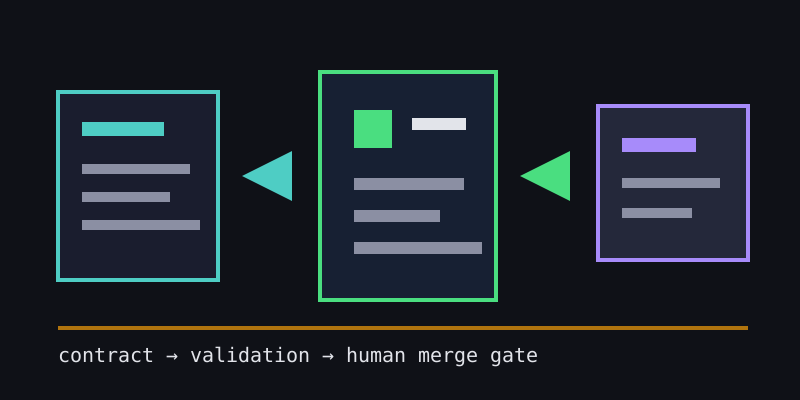
When Codex-Backed Agents Are the Better Path
Some OpenClaw searchers are really looking for a replacement operating model: their subscription is blocked, the economics changed, or they want a local-first manager instead of another hosted queue. In those cases, Codex-backed agents inside an Office Claws-managed runner can be the practical path.
The honest tradeoff is that you are choosing a different runtime, not magically importing every OpenClaw behavior. Re-audit prompts, secrets, approvals, and repository permissions. Keep the controls that matter: one runner per task, one branch per diff, logs that a teammate can read, and a human gate before deploy. For the migration angle, see OpenClaw without an Anthropic subscription and OpenClaw security best practices.
Recommendations
Use Office Claws for OpenClaw-style work when you want an operations layer more than another black-box agent surface:
- Start with one local runner or one small VPS before scaling out.
- Put every request in a visible queue with an owner.
- Scope each task to paths, branch, and validation gates.
- Keep release secrets away from coding runners by default.
- Review the diff and build output before merging.
That is the durable pattern: OpenClaw demand, Codex-backed execution where it fits, and Office Claws as the practical desktop/VPS control layer that keeps autonomous coding work reviewable.