Why Office Claws Belongs in an OpenClaw Stack
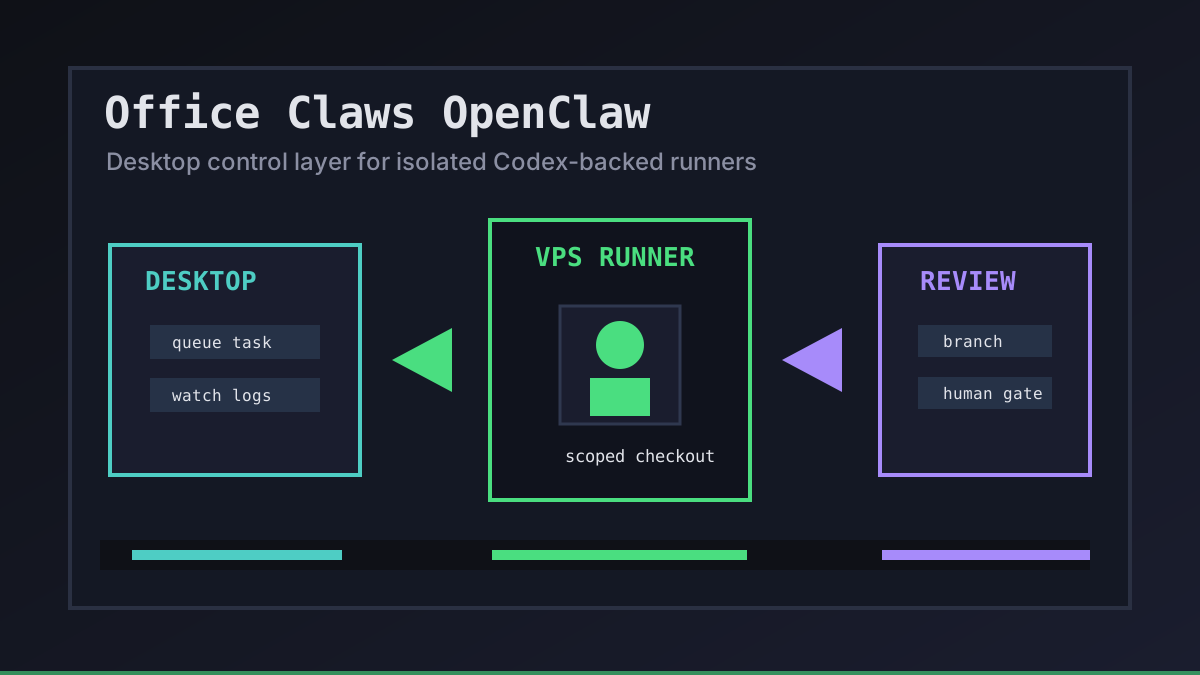
Office Claws and OpenClaw solve different parts of the same practical problem: developers want autonomous coding work without giving every agent unlimited trust. OpenClaw creates demand for agent-driven tasks. Office Claws is the desktop and VPS control layer we use around Codex-backed runners when teams need local visibility, isolated machines, and boring review gates.
We are careful about the boundary. Office Claws is not advertised as a native OpenClaw runtime. It helps OpenClaw users design the operator layer around the workflow: where a task runs, which branch owns the diff, how logs are watched, and when a human approves the result. If you are comparing runtimes first, start with OpenClaw vs Codex, then use this article as the architecture checklist.
The Control-Layer Contract
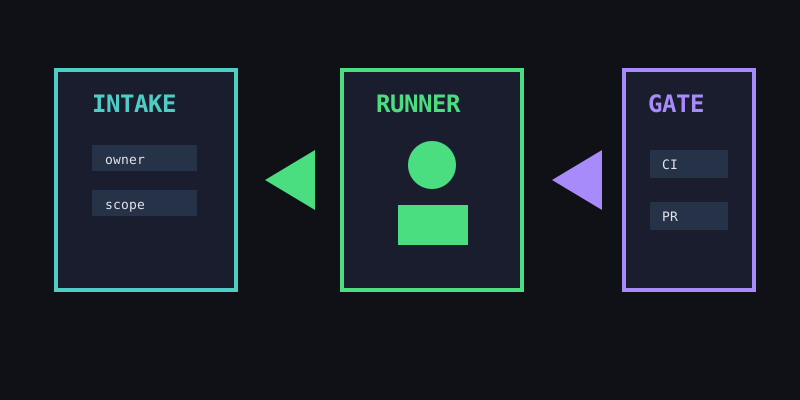
A useful Office Claws OpenClaw setup starts with a small contract before any agent touches the repository. The contract is not bureaucracy. It is how a team turns autonomous work into something reviewable.
| Layer | Office Claws responsibility | OpenClaw-style risk it reduces |
|---|---|---|
| Intake | Queue a task with owner, scope, and branch | Anonymous agent work in a shared checkout |
| Runner | Place work on a local or VPS machine | Laptop lockups and mixed secrets |
| Network | Prefer SSH or Tailscale paths | Publicly exposed agent surfaces |
| Evidence | Keep logs and validation output visible | Trusting a summary without proof |
| Release | Keep the merge/deploy gate human | Agents shipping wider changes than intended |
This is why the related OpenClaw desktop manager, OpenClaw VPS manager, and Office Claws for OpenClaw users pages all repeat the same pattern: one task, one runner, one branch, one review gate.
A Reference Architecture for Small Teams
The safest default is intentionally plain. Keep Office Claws on the desktop, connect one or more VPS runners, and let Codex-backed agents work inside scoped checkouts. The team still owns prompts, secrets, reviews, and production deploys.
office_claws_openclaw_stack:
  desktop: operator console
  runner: vps-small-01
  transport: tailscale_or_ssh
  runtime: codex_backed_agent
  branch: agent/<task-name>
  gates:
    - build_or_test_command
    - pull_request_review
    - human_deploy_decision
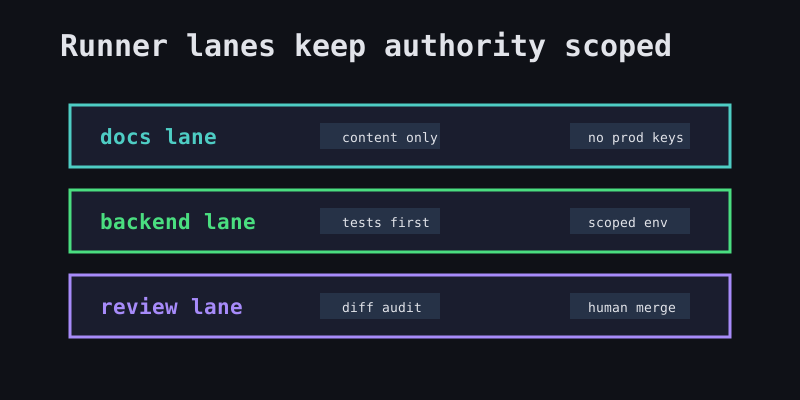
The important part is not the exact VPS size. It is the separation. A docs task should not see production keys. A backend migration should not reuse the same long-running shell as a marketing edit. A stuck agent should be visible enough to stop before it burns the day.
When This Pattern Fits
Use Office Claws in an OpenClaw-adjacent workflow when the team is past experiments and needs operational discipline. The pattern fits especially well when:
- Developers want remote agents without leaving hidden terminal sessions everywhere.
- A small team needs shared visibility into agent status and cost.
- Security reviewers want secrets kept local or scoped to a runner.
- Product owners want every autonomous change to land as a normal branch and PR.
- OpenClaw subscription, migration, or runtime constraints make Codex-backed execution the practical path.
For cost planning, pair this with OpenClaw cost comparison. For hardening, use OpenClaw security best practices and OpenClaw secrets management.
Recommendations
Start small. Put one safe task through Office Claws, run it on one isolated runner, and require a branch plus validation output before review. Then add more runners only when the operating model is boring.
Office Claws works best for OpenClaw users when it stays honest: not a magic runtime swap, not a black-box hosted queue, but a practical desktop/VPS layer for Codex-backed agent work with visible logs, scoped authority, and human release gates.