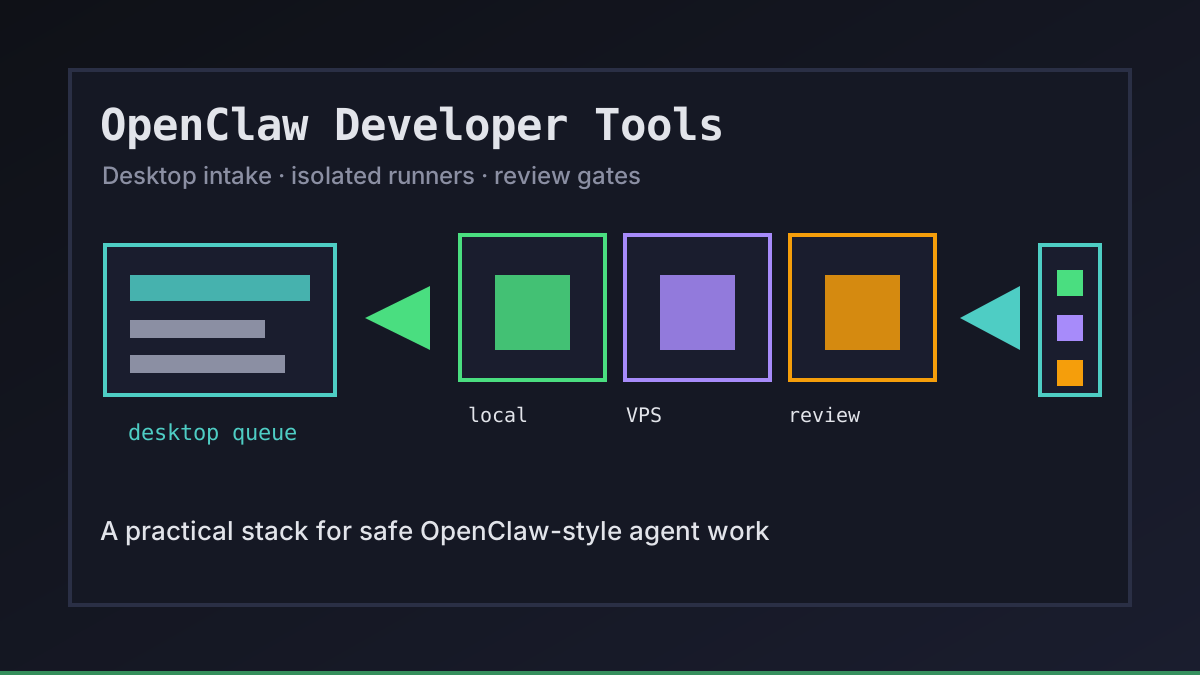
Why OpenClaw Developer Tools Need an Operating Layer
OpenClaw-style agents are useful when they can edit a repo, run checks, and hand back a reviewable branch. They get risky when every developer invents a different shell script, token pattern, and VPS layout.
We think the safest OpenClaw developer tools stack is boring on purpose: a desktop control layer, isolated local or VPS runners, GitHub branches, visible logs, and explicit review gates. Office Claws is not a native OpenClaw runtime; it is the operator layer we use around Codex-backed agents for teams that want OpenClaw-style workflows without losing control of machines, keys, or deployments. If you are comparing runtimes first, start with OpenClaw vs Codex and Office Claws for OpenClaw users.
The Core OpenClaw Toolchain
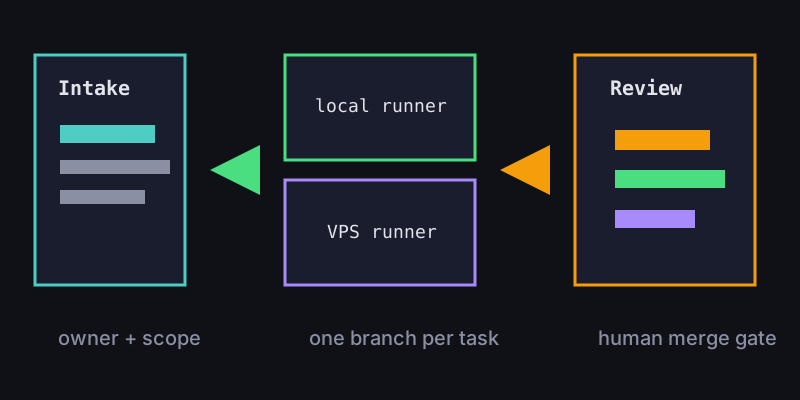
A practical stack covers intake, execution, review, and recovery. The exact model provider matters less than whether the work is isolated and observable.
| Layer | Tooling pattern | What good looks like |
|---|---|---|
| Intake | Desktop queue or issue template | every task has an owner, scope, and exit gate |
| Runner | Local worktree or VPS agent | one task per checkout, branch, and log stream |
| Secrets | Local key handling and scoped tokens | no shared .env pasted into remote shells |
| Review | GitHub branch, PR, and CI | humans approve architecture and product tradeoffs |
| Recovery | Snapshots, logs, and kill switches | stuck agents can be stopped without losing context |
Office Claws fits between the human request and the runner. The desktop keeps tasks visible, while VPS runners keep heavy jobs away from a laptop. That is the same architecture we recommend in the OpenClaw VPS manager guide.
A Starter Manifest for Agent Work
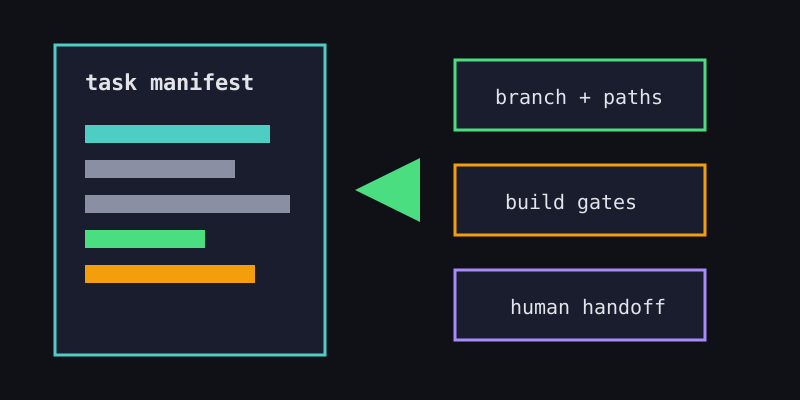
The simplest developer tool is a small contract that travels with the task. It prevents agents from turning a documentation request into a product rewrite.
task:
  owner: platform-team
  goal: add-developer-tools-guide
  runtime: codex-backed-runner
  branch: agent/openclaw-developer-tools
  allowed_paths:
    - website/content/blog/**
    - website/public/blog/**
  gates:
    - npx velite build
    - npm run build
  handoff:
    requires_pr: true
    human_merge: true
Keep this manifest short. Developers should widen permissions deliberately, not because an agent discovered a tempting adjacent file. For branch and CI habits, see the OpenClaw GitHub workflow.
Choosing Tools Without Losing Control
The best OpenClaw developer tools make the risky parts explicit. Before adding another plugin or gateway, ask what it changes about permissions, cost, and auditability.
- Can we see which runner owns the task right now?
- Can we stop it without killing unrelated work?
- Are secrets scoped to the smallest useful surface?
- Does the agent finish with a branch, commit hash, and validation output?
- Can a teammate review the result without replaying the whole terminal session?
If the answer is no, the tool may still be useful, but it should not be part of the default path. This is where OpenClaw security best practices and OpenClaw secrets management become operating requirements, not optional reading.
Recommended Office Claws Setup
For most teams, we recommend this starting stack:
- Office Claws desktop app for task intake, runner visibility, and logs.
- One local runner for small changes and one VPS runner for long-running work.
- GitHub branches for every agent task, with CI as the evidence trail.
- Scoped provider and repository tokens; no shared production secrets on runners.
- A human-owned merge and deploy gate.
That gives developers the speed of autonomous agents while keeping the control points familiar. Office Claws for OpenClaw users is the practical layer: desktop management, VPS runner isolation, Codex-backed execution when that is the honest runtime, and review gates that make agent work safe enough to repeat.
Related Reading
- OpenClaw vs Codex — compare runtime and operations tradeoffs.
- OpenClaw Desktop Manager — manage agent work from a local app.
- OpenClaw GitHub Workflow — branches, CI, and PR handoffs.
- OpenClaw Security Best Practices — isolate runners and reduce blast radius.